
How to: Transfer Shares to Broker#
Login to Transfer Online Web Application#
Open a web browser.
Go to the Login Page for the Transfer Online web application.
Still Need to Signup?
See How to Signup as a Shareholder if you still need to create an account.
See How to Obtain Online Access if you still need to link your Shareholder Account to a Web Account.
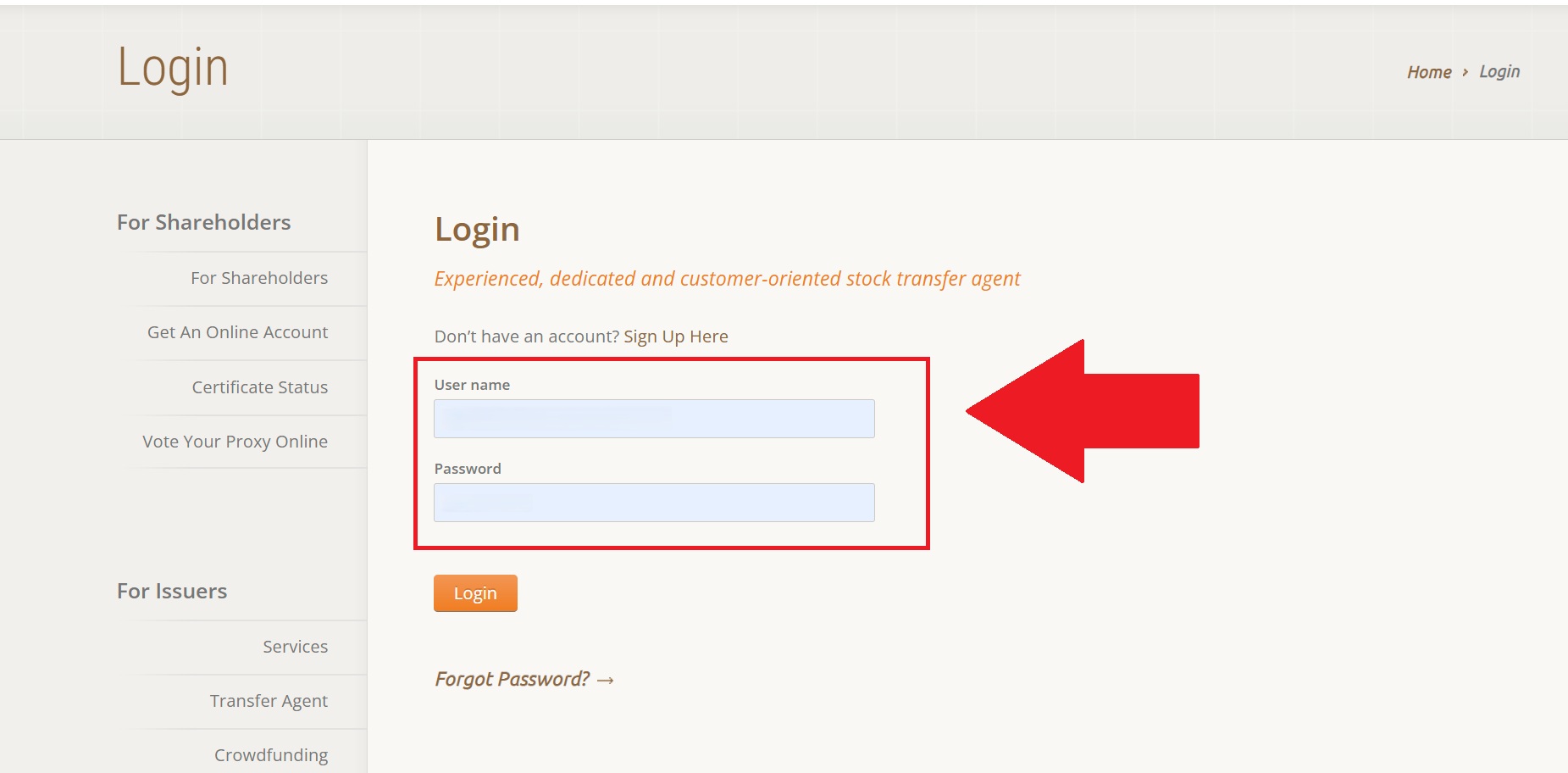
Fig. 35 TOL Login Page#
Select Shareholder Account#
Select a Shareholder to manage.
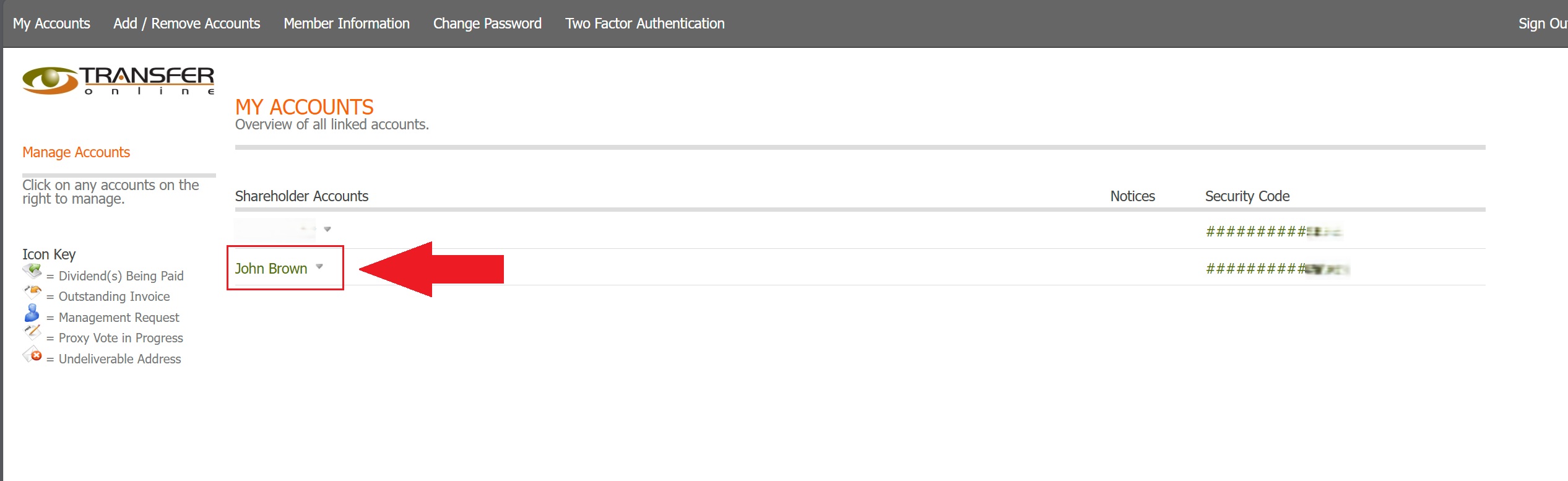
Fig. 36 Select Shareholder Account#
Start Transfer Process and Choose Transfer Method#
Select the START THE TRANSFER PROCESS button.
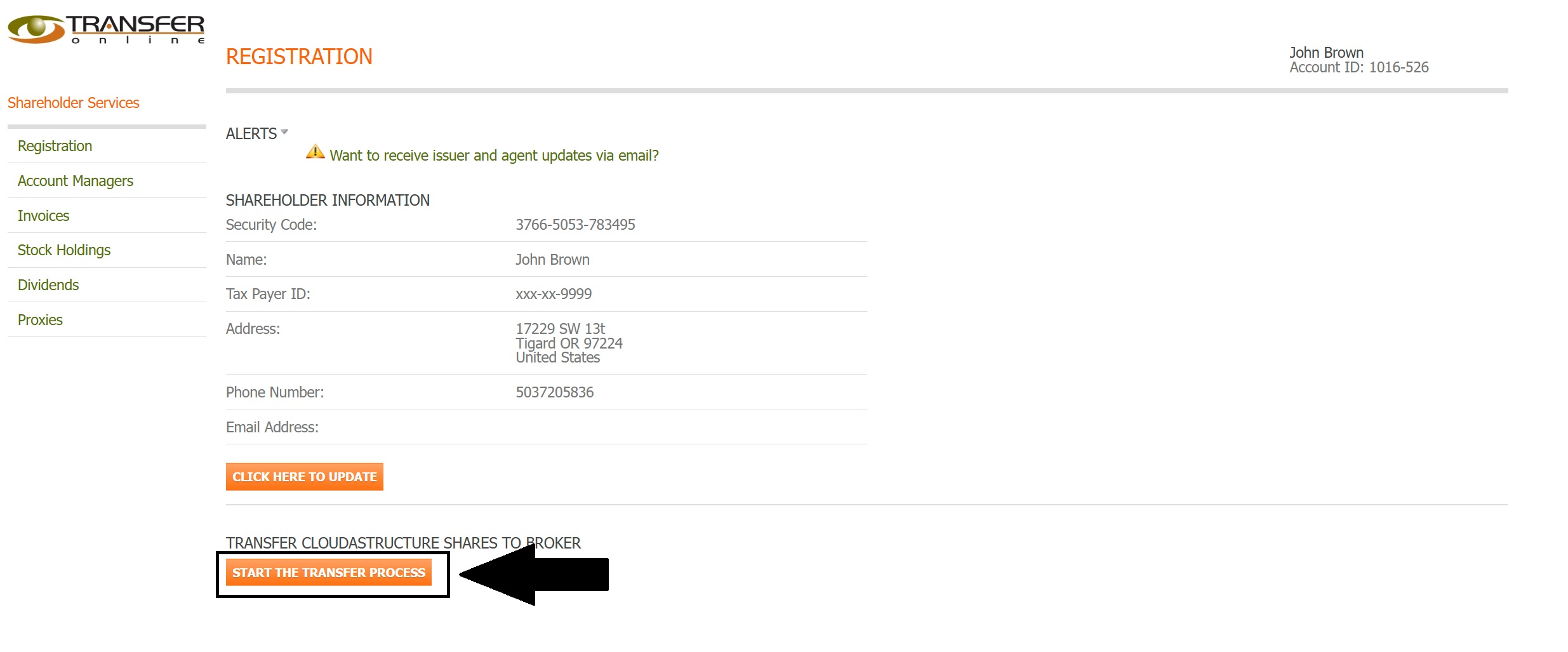
Fig. 37 Start Transfer Process Button, Location#
Select the desired Transfer Method:
DRS - Faster electronic transfer (usually takes 3–5 business days).
DWAC - Slower electronic transfer (usually takes 2–4 weeks); requires extra verification steps.

Fig. 38 Transfer Method Options#