
How to: Obtain Online Access#
Follow these instructions if you wish to link your Shareholder Account to your Web Account to obtain Online Access.
Step One: Login to Transfer Online Web Application#
Open a web browser.
Go to the Login Page for the Transfer Online web application.
Still Need to Signup?
See How to Signup as a Shareholder for more details.
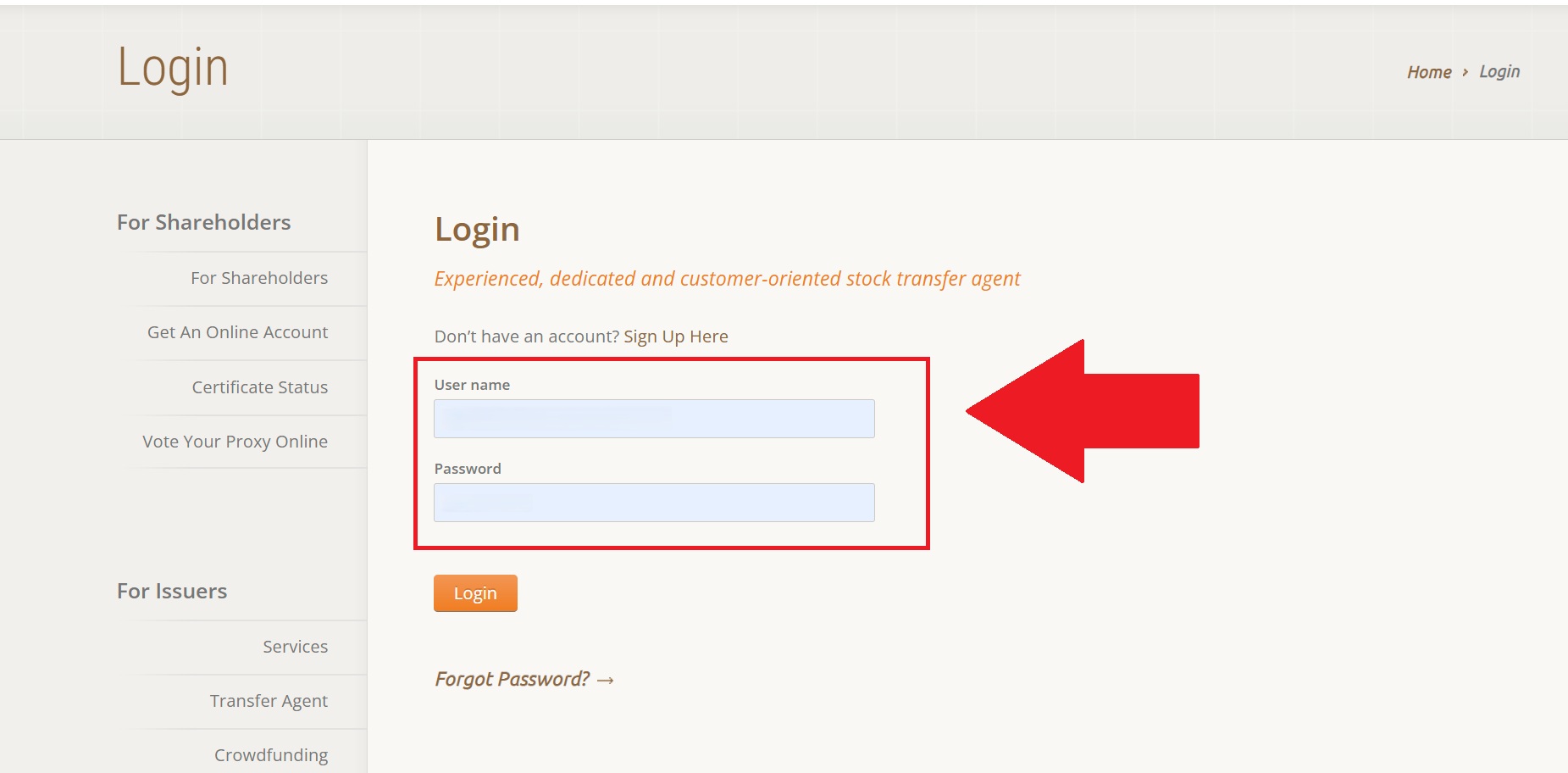
Fig. 7 TOL Login Page#
Step Two: Navigate to the Account Linking Workflow#
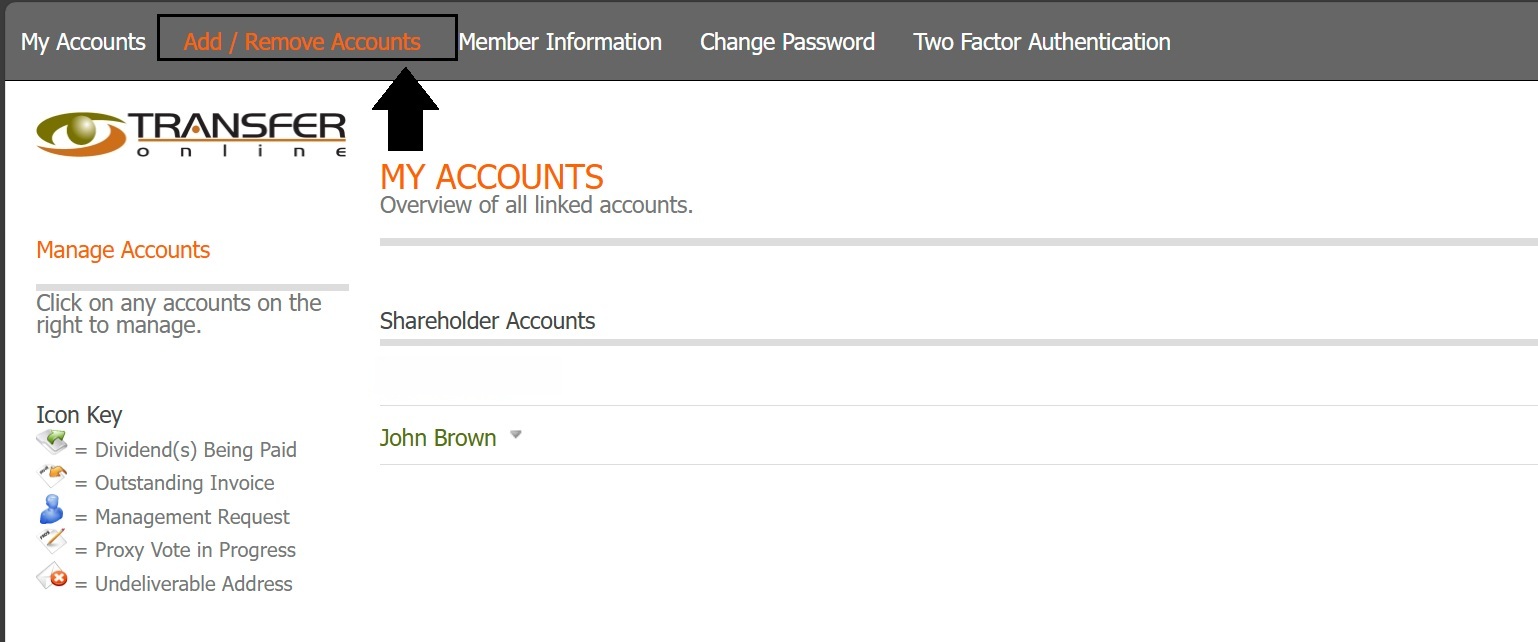
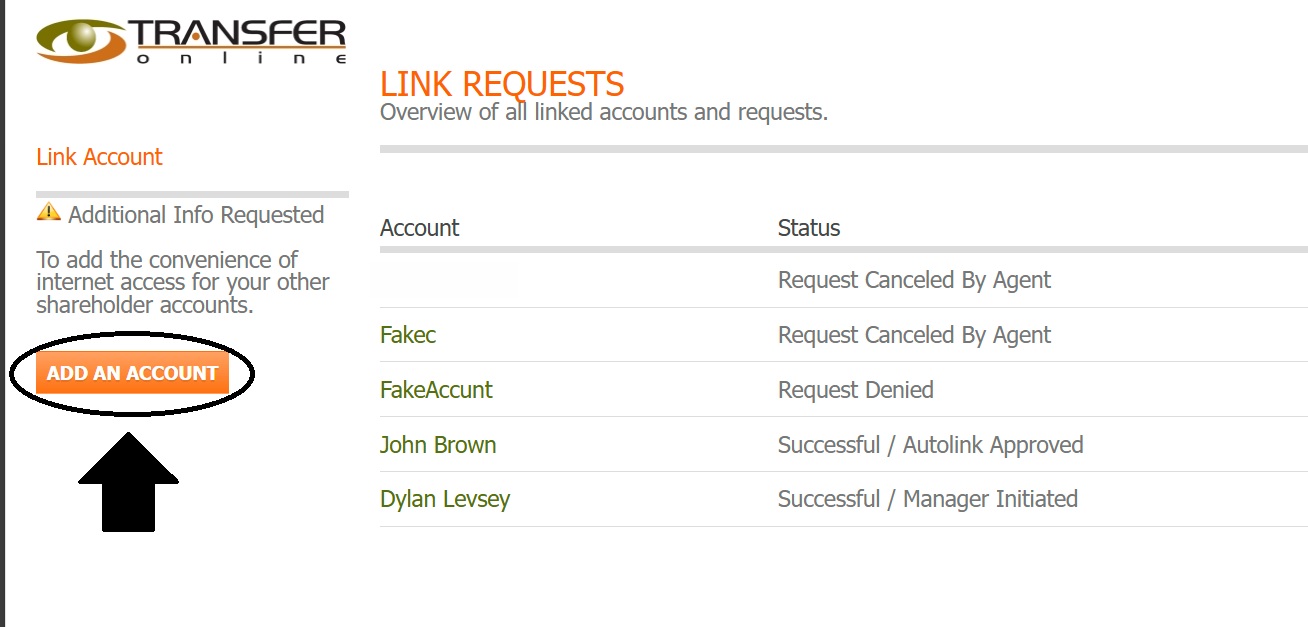
Step Three: Begin Workflow to Obtain Online Access and Link Accounts#
Begin the workflow for linking accounts.
Click YES or NO for each option that appears.
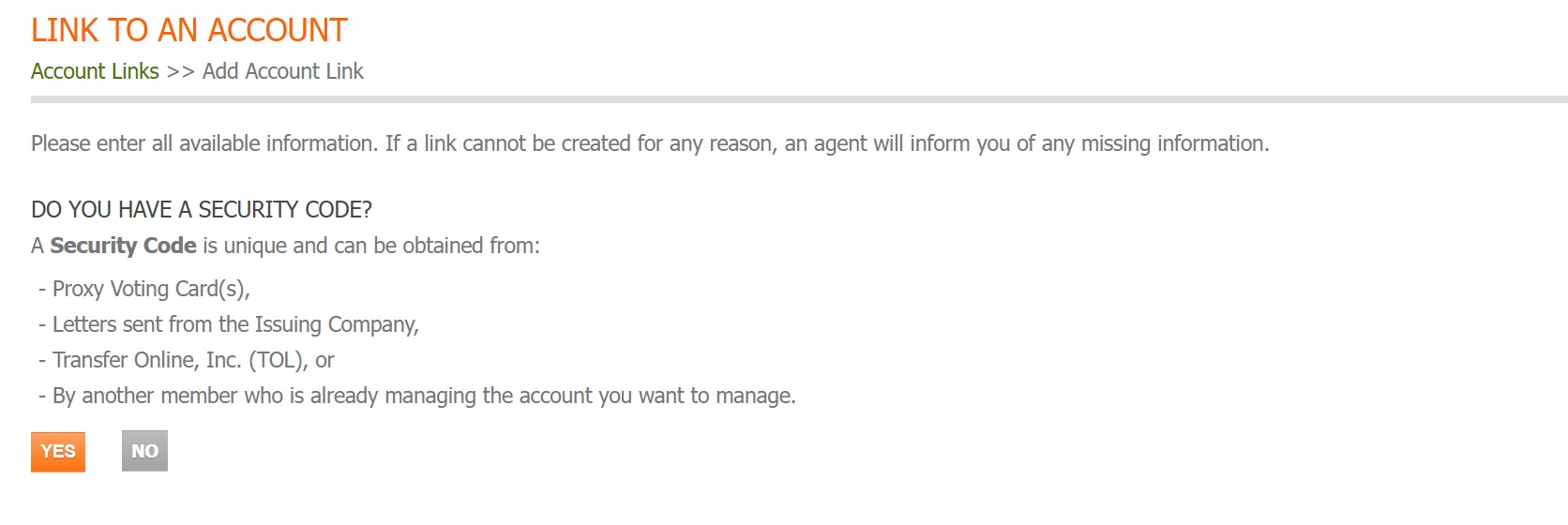
Fig. 13 Step 1: Do You Have a Security Code?#
Continue to Step Four: Determine Method to Verify and Link Account.
Step Four: Determine Method to Verify and Link Account#
See below for more comprehensive guides for each of the three methods that exist throughout the workflow: