
Method Two: Use Information From Certificate#
This method works if you have the following information:
Where is this information?
Typically, this information is found on the Physical Certificate.
Certificate Name,
Certificate Number, And
(Optional) Certificate ID.
Select NO for Do you have a Security Code? .
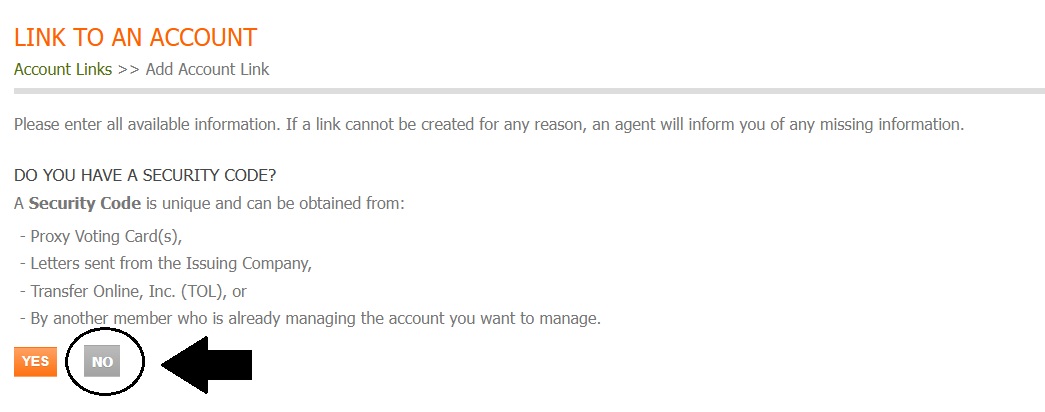
Fig. 22 Do You Have a Security Code, No#
Fill out the required information.
Don’t have this information?
Select SKIP THIS STEP to continue on to Method Three: Provide General Account Information.
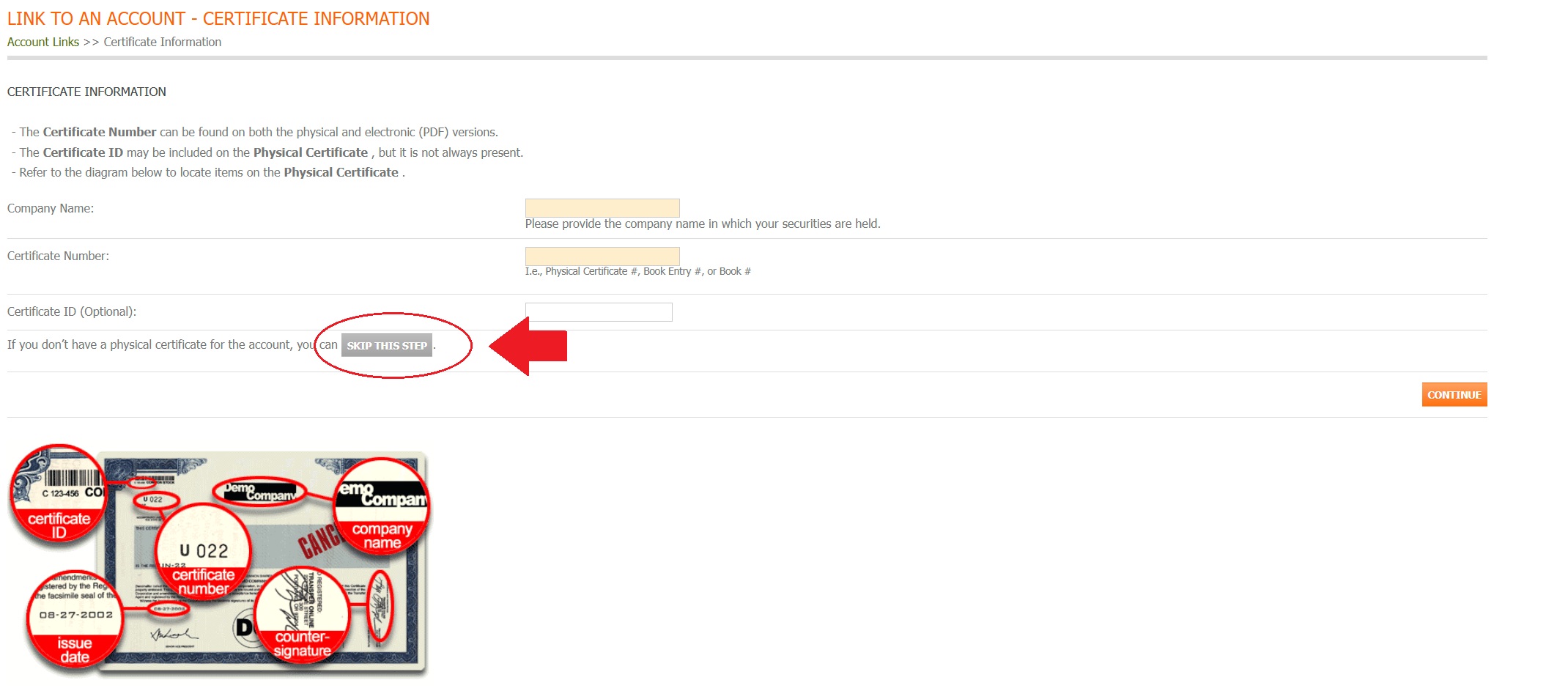
Fig. 24 Certificate Information, Skip This Step#
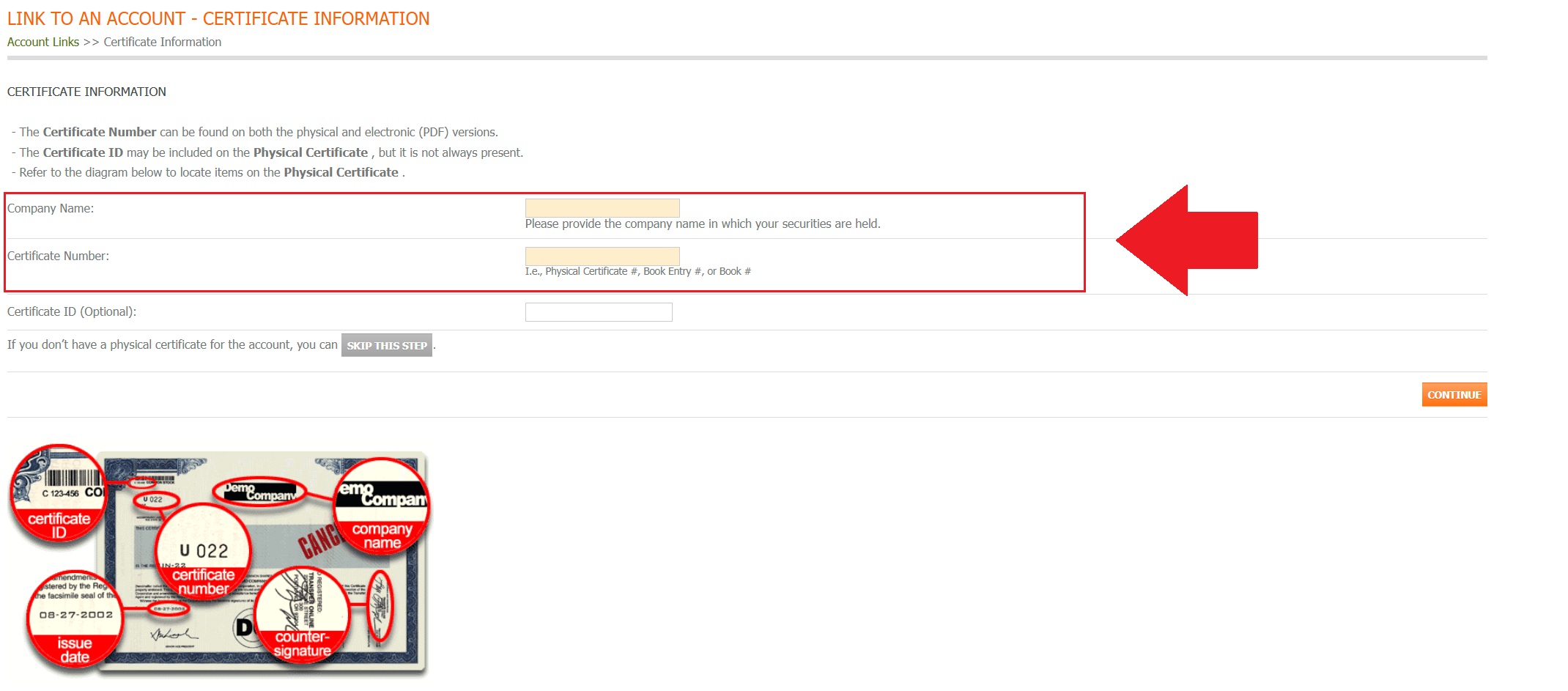
Fig. 25 Certificate Information Fields#
Click CONTINUE.
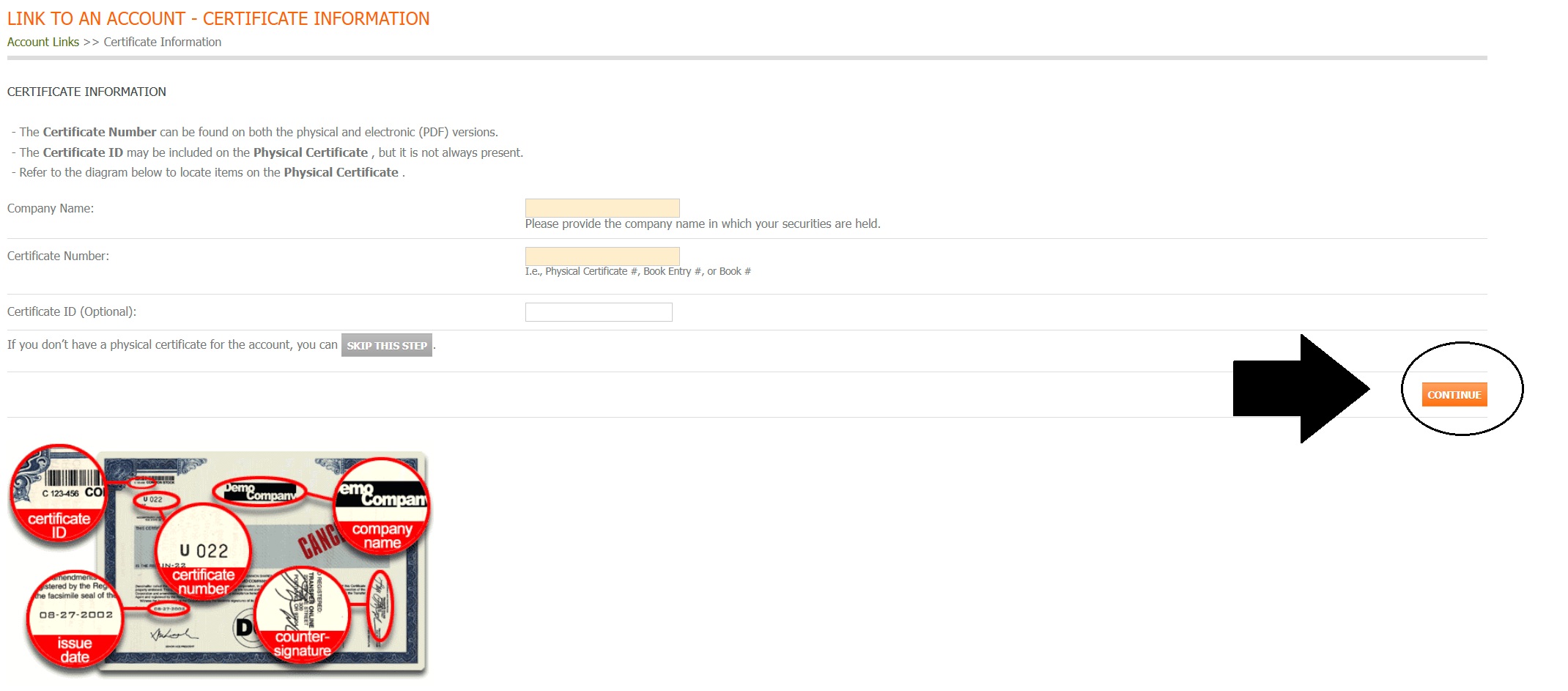
Fig. 27 Certificate Information, Continue Button#