V. Review Fee Inforfmation and Make Payment

V. Review Fee Inforfmation and Make Payment#

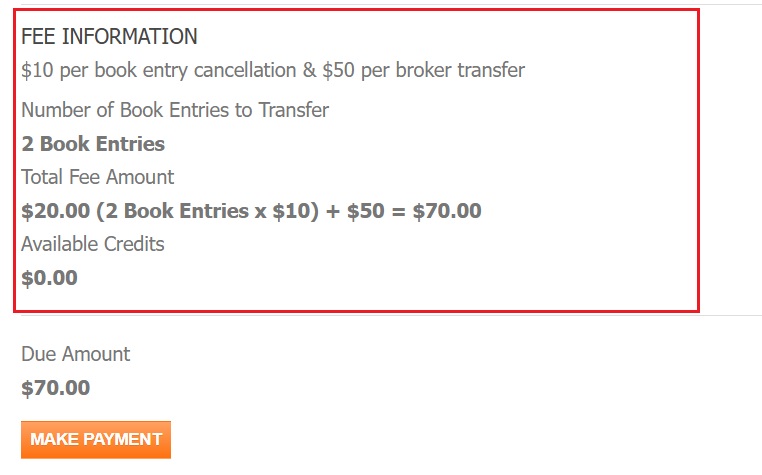
  1. Review the Fee Information.

    Review Fee Information Location

    Fig. 69 Review Fee Information Location#

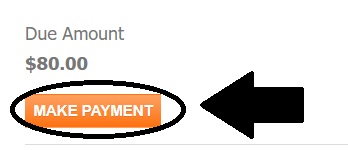
  2. Select the Make Payment button.

    Make Payment Location

    Fig. 71 Make Payment Location#

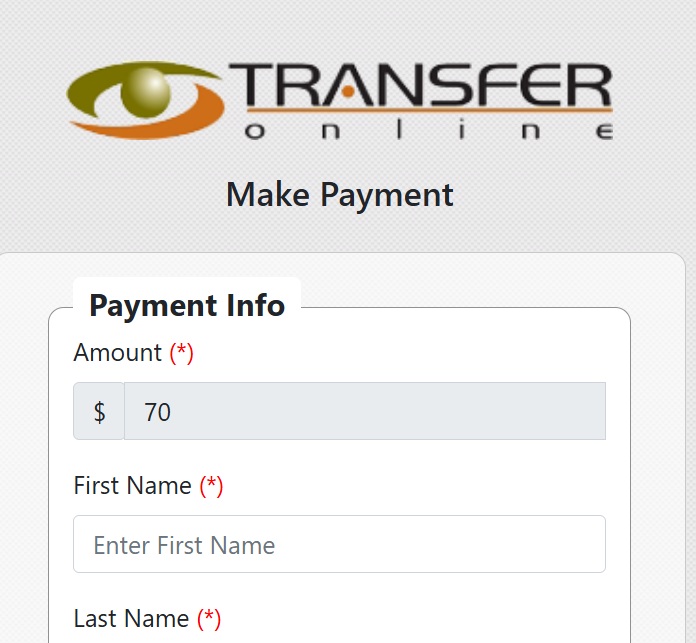
  1. Fill out the information on the Payment Processing page:

    Payment Processing Page Location

    Fig. 73 Payment Processing Page Location#

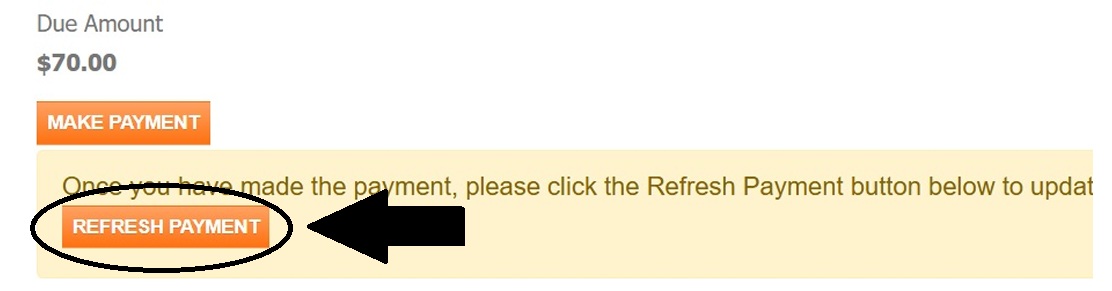
  2. Select REFRESH PAYMENT to complete the transation.

    Refresh Payment

    Fig. 75 Refresh Payment#

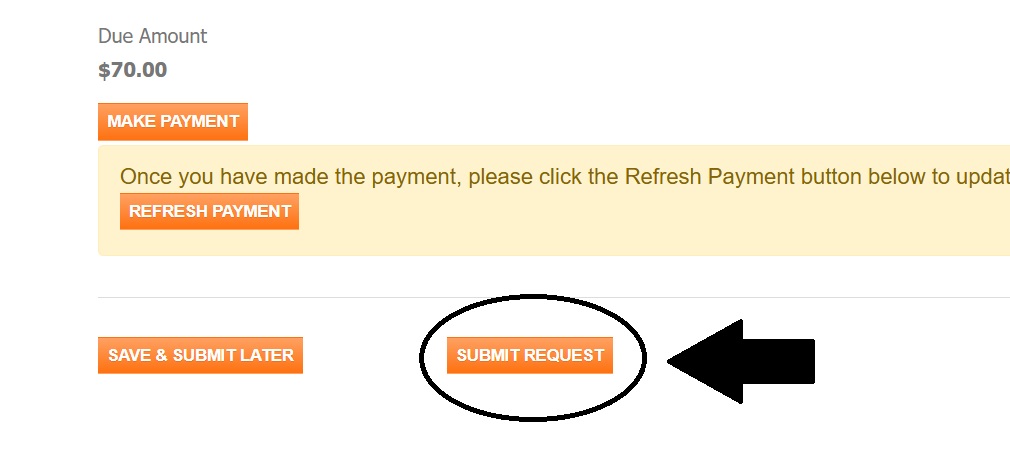
  1. Select SUBMIT REQUEST

    Save & Submit Later Option

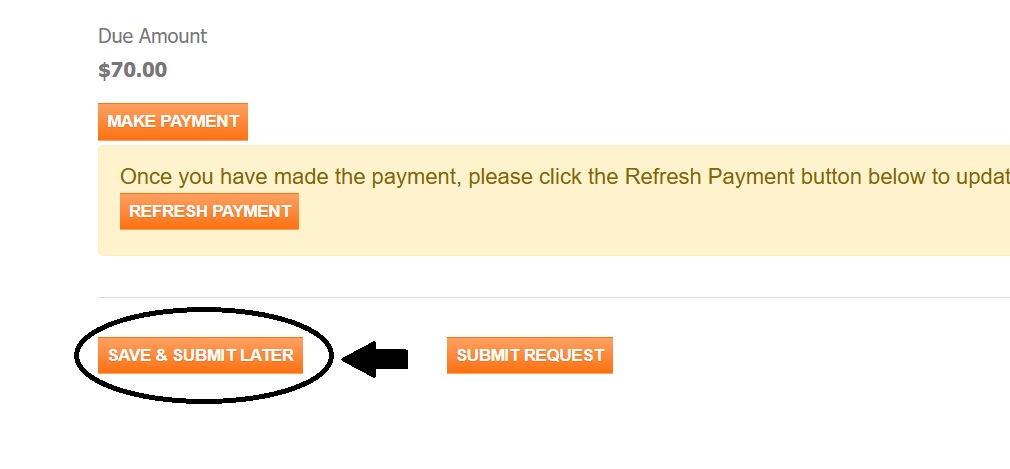
    Select the SAVE & SUBMIT LATER button if you do not currently have all the required information.

    Save & Submit Later Location

    Fig. 77 Save & Submit Later Location#

    Submit Request Location

    Fig. 78 Submit Request Location#

    Action Complete: Request Submitted

    The request has been submitted successfully.